safe_zone
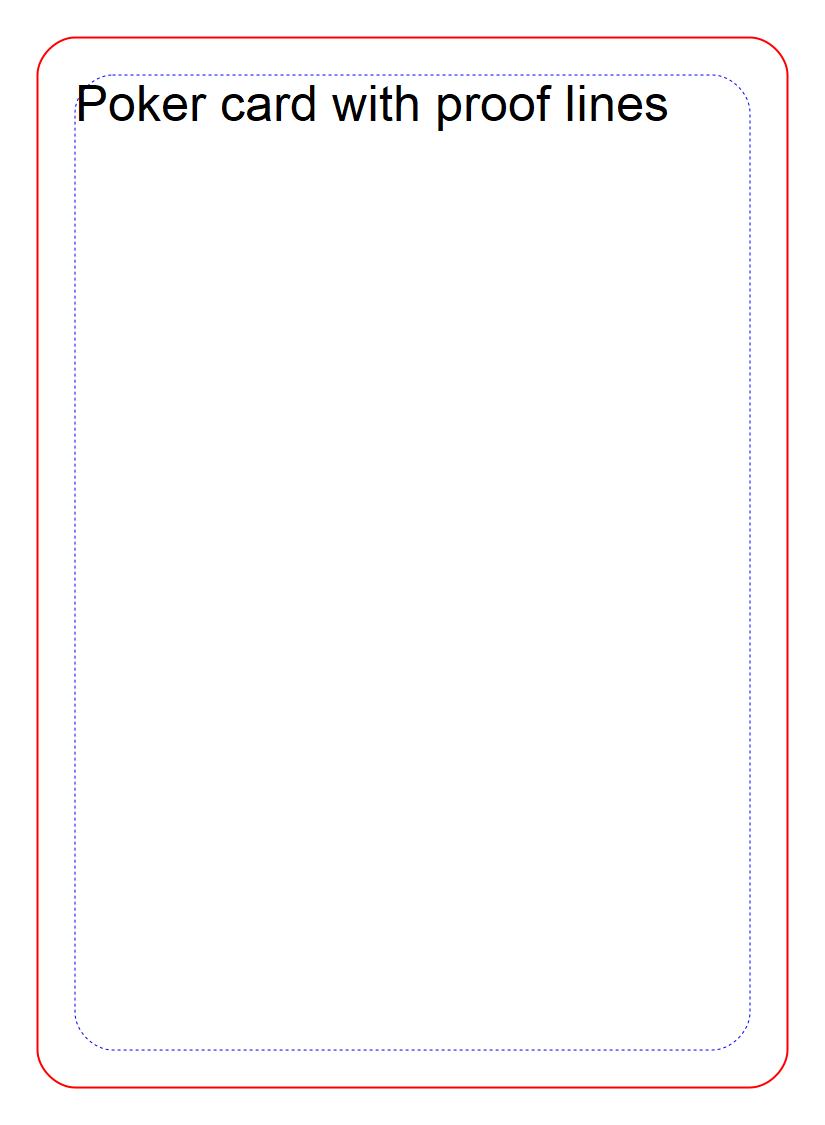
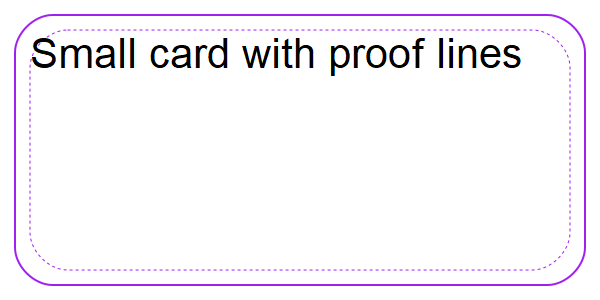
Draw a rounded rectangle set in from the edges of the card to indicate the bleed area.
This method is a wrapper around rect, with its own defaults.
Options
All of these options support arrays and singleton expansion (except for range). See Squib Thinks in Arrays for deeper explanation.
- margin
default: ‘0.25in’
The distance from the edge of the card to the safe zone. Supports Unit Conversion.
- width
default:
width - margin(the width of the deck minus the margin)the width of the box. Supports Unit Conversion and XYWH Shorthands.
- height
default:
height - margin(the height of the deck minus the margin)the height of the box. Supports Unit Conversion and XYWH Shorthands.
- fill_color
default:
'#0000'(fully transparent)the color or gradient to fill with. See Specifying Colors & Gradients.
- stroke_color
default:
:bluethe color with which to stroke the outside of the shape. See Specifying Colors & Gradients.
- stroke_width
default:
1.0the width of the outside stroke. Supports Unit Conversion.
- x_radius
default:
0.125inThe x radius of the rounded corners. Supports Unit Conversion.
- y_radius
default:
0.125inThe y radius of the rounded corners. Supports Unit Conversion.
- radius
default:
nilThe x and y radius of the rounded corners. If specified, overrides x_radius and y_radius. Supports Unit Conversion.
- stroke_strategy
default:
:fill_firstSpecify whether the stroke is done before (thinner) or after (thicker) filling the shape.
Must be either
:fill_firstor:stroke_first(or their string equivalents).- join
default:
:mitreSpecifies how to render the junction of two lines when stroking. Options are
:mitre,:round, and:bevel.- dash
default:
'3 3'(no dash pattern set)Define a dash pattern for the stroke. This is a special string with space-separated numbers that define the pattern of on-and-off alternating strokes, measured in pixels or units. For example,
'0.02in 0.02in'will be an equal on-and-off dash pattern. Supports Unit Conversion.- cap
default:
:buttDefine how the end of the stroke is drawn. Options are
:square,:butt, and:round(or string equivalents of those).- x
default:
margin(whatever the margin was set to)the x-coordinate to place, relative to the upper-left corner of the card and moving right as it increases. Supports Unit Conversion and XYWH Shorthands.
- y
default:
margin(whatever the margin was set to)the y-coordinate to place, relative to the upper-left corner of the card and moving downward as it increases. Supports Unit Conversion and XYWH Shorthands.
- range
default:
:allthe range of cards over which this will be rendered. See Using range to specify cards
- layout
default:
nilentry in the layout to use as defaults for this command. See Layouts are Squib’s Best Feature.
- angle
default: 0
the angle at which to rotate the rectangle about it’s upper-left corner
Examples
1 2 3 4 5 6 7 8 9 10 11 12 13 14 15 16 17 18 19 20 21 22 | require 'squib'
Squib::Deck.new do
background color: :white
safe_zone # defaults TheGameCrafter 0.25in around the edge, rounded corners
cut_zone # defaults TheGameCrafter 0.125in around the edge
text str: 'Poker card with proof lines', x: '0.25in', y: '0.25in'
save_png prefix: 'proof_poker_'
end
Squib::Deck.new(width:'2in', height: '1in')do
background color: :white
safe_zone stroke_color: :purple, margin: '0.1in'
cut_zone stroke_color: :purple, margin: '0.05in'
text str: 'Small card with proof lines', x: '0.1in', y: '0.1in',
font: 'Arial 10'
save_png prefix: 'proof_tiny_'
end
|